
Restaurant Software Built Around Tables, Kitchen and Billing
A restaurant's day is a constant cycle of table turnover, orders moving from the floor to the kitchen, and bills that need to close out accurately. TCB Infotech tracks that flow end to end and integrates it with the ERP or POS you already run.
50+ ERP and software projects. Zero failed projects since 2021.
Table, Kitchen and Billing Flow, Not a Generic POS Add-On
Table status and order flow tracked from floor to kitchen to bill
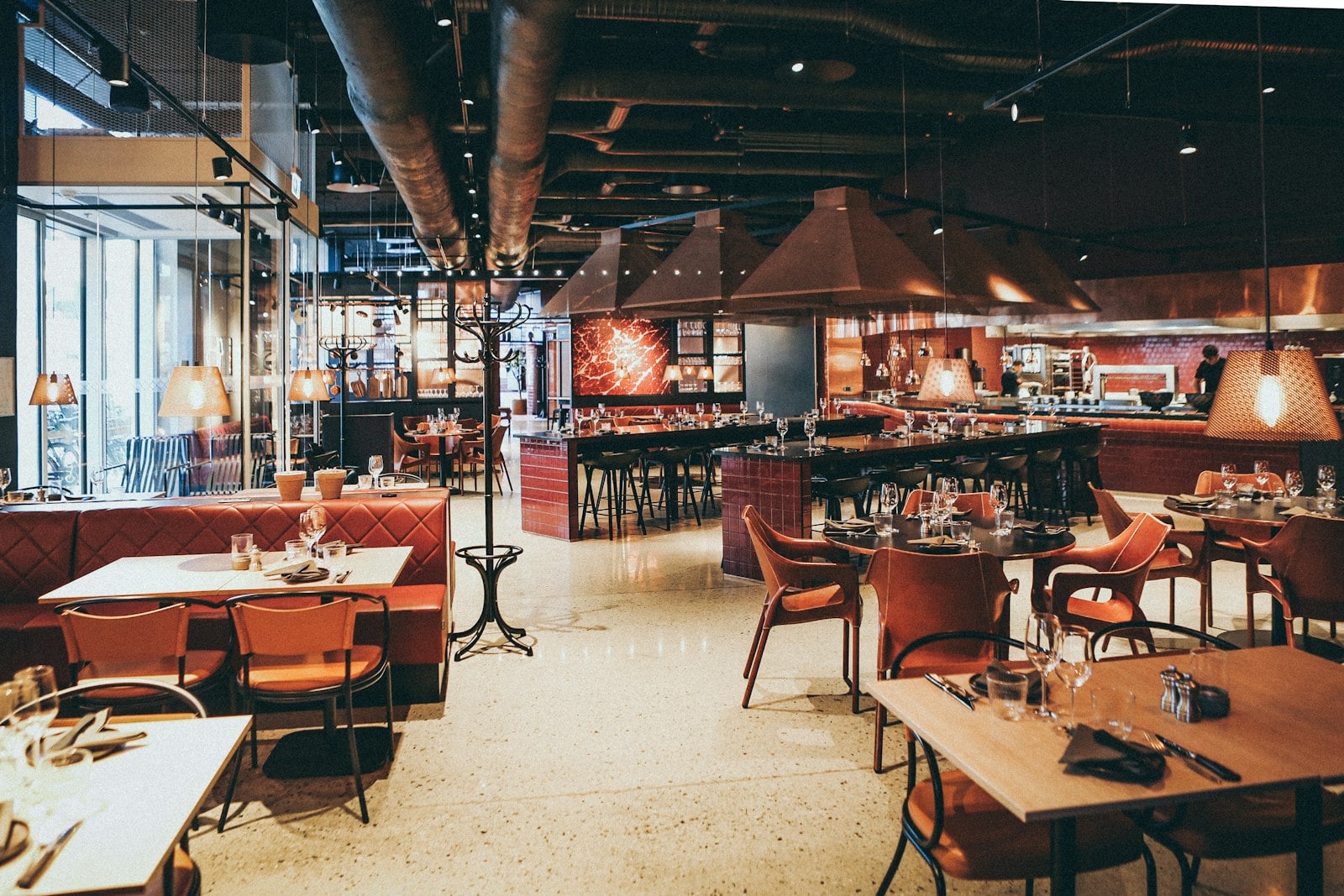
A restaurant runs on turnover: which tables are seated, which orders are in the kitchen, and which checks are ready to close. We build software that tracks that flow against your actual floor plan and kitchen queue, not a generic order screen.
- Table status tracked by table, not just by section.
- Orders tracked from the floor to the kitchen and back.
- Billing tied to the table and the order history behind it.
Menu costing and inventory connected to daily billing
The system we build connects to your existing ERP or POS, adds the custom software your recipe costing or wastage tracking workflow needs, and applies AI where it removes manual tracking work such as reviewing guest feedback.
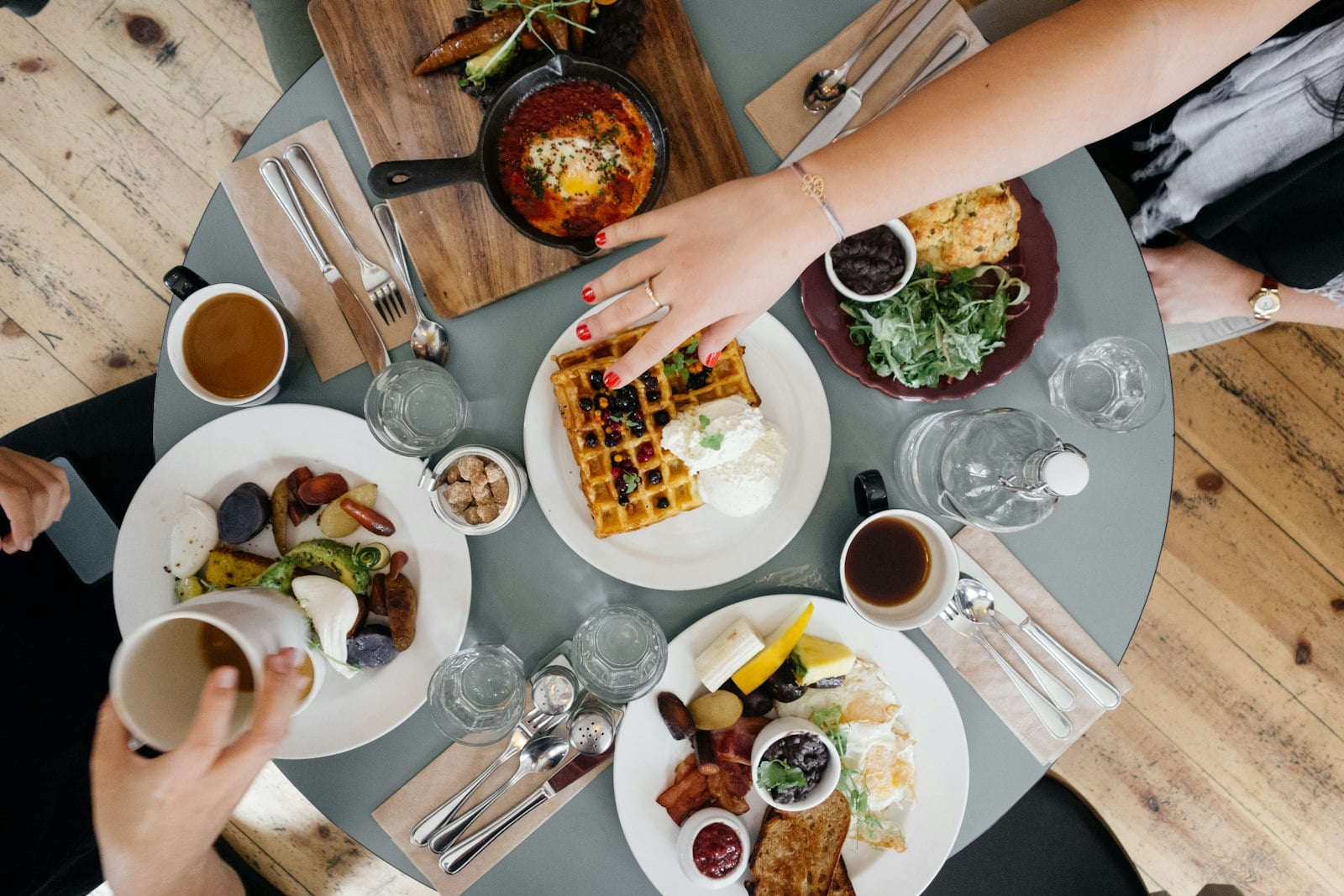
- Menu and recipe costing tied to actual inventory movement.
- Custom software for the workflow a generic module does not cover.
- AI applied to guest feedback and loyalty tracking, not guesswork.
From Your Current Floor Workflow to a Running System
Everything a Restaurant Tracks From Seating to Closing the Bill
Table & Order Flow Tracking
Table status and order progress tracked from seating through to the final bill.
Kitchen Display & Ticket Management
Orders routed to the kitchen display in the sequence they should be prepared, not a paper ticket pile.
Menu & Recipe Costing
Every dish costed against its recipe so menu pricing reflects actual ingredient cost.
Inventory & Wastage Tracking
Stock movement and wastage tracked against recipes instead of a manual count at month end.
Billing & POS Integration
Bills built from the order history at each table and connected to your existing POS.
Guest Feedback & Loyalty Tracking
Feedback and repeat-visit patterns tracked per guest instead of scattered across review sites.
What This Changes for Your Floor and Kitchen
Why Restaurants Run Their Systems Through TCB Infotech
Restaurants, Answered
What does TCB Infotech actually build for a restaurant?
Does this replace our existing POS or ERP?
Can it split a bill across guests at the same table?
How long does a restaurant engagement usually take?
What happens after the system goes live?
Can ERP integration, custom software and AI be combined into one engagement for our restaurant?
Get a System Built for Your Restaurant, Not a Generic POS Add-On
Book a free consultation, tell us how tables, orders and billing currently move through your restaurant, and we will scope the ERP, software or AI that actually fits.
Book a Free Consultation →No commitment. See a scope before you decide.
How TCB Infotech Builds Restaurant Software
From a table being seated, to an order in the kitchen, to a bill closed at the table. Here is how we track each part of service and connect it to your existing POS or ERP.
Table, Kitchen and Billing Flow, in Detail
Table status tracked from seating to a cleared table
Each table carries its own status: occupied, available or in billing, tied to the order attached to it. Servers see which tables are ready to seat without walking the floor to check.
- Table-by-table status, not a section-level estimate.
- Orders tied to the table from the first round to the last.
- Turnover visible to hosts seating the next party.
Orders reach the kitchen display in the order they should fire
Orders route to a kitchen display in preparation sequence instead of a paper ticket pile, and each dish is costed against its recipe so the kitchen and the menu price stay connected to actual ingredient cost.
- Orders sequenced for the kitchen, not a printed queue.
- Recipe costing tied to each dish on the menu.
- Inventory and wastage tracked against what recipes consume.
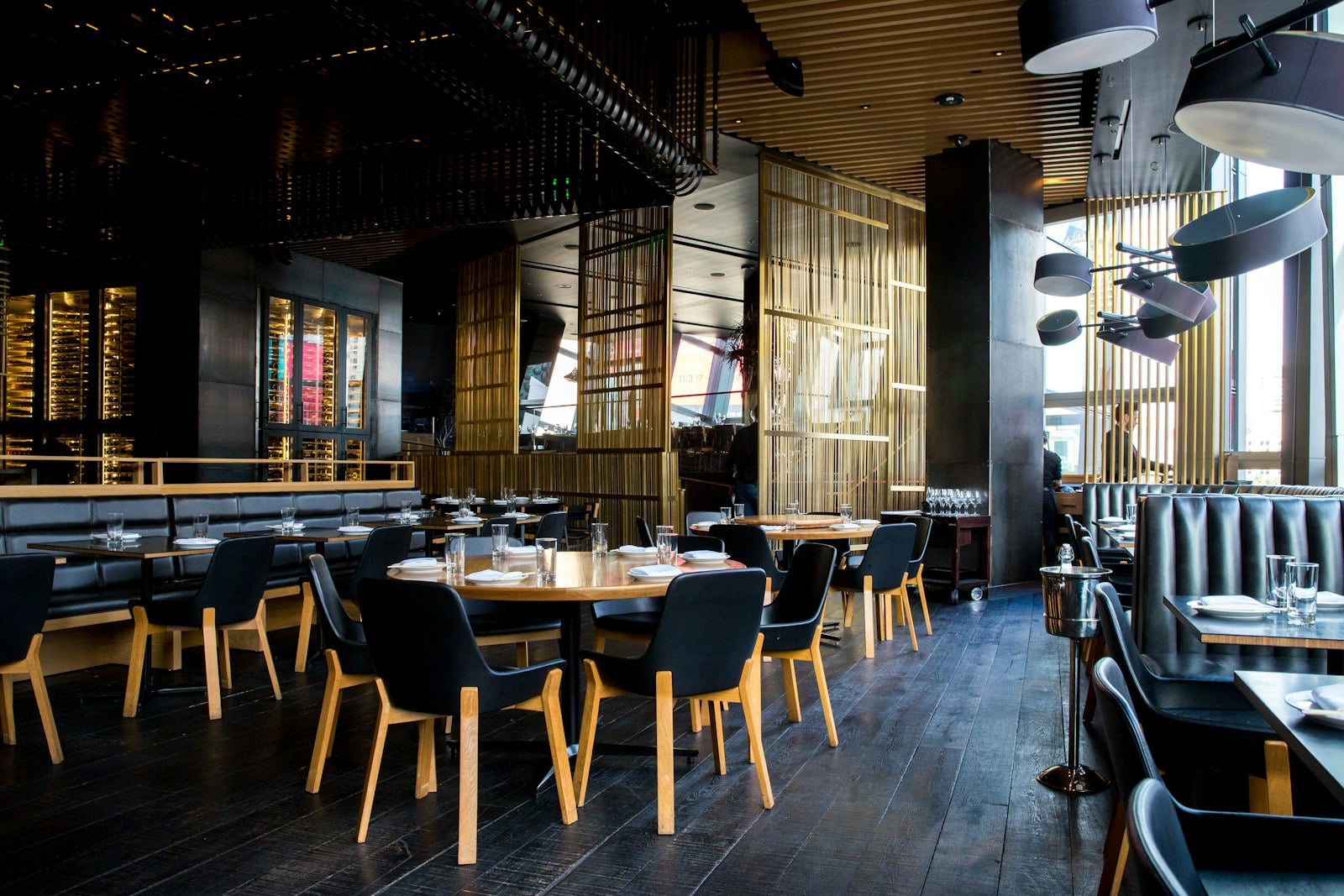
Bills built from order history and closed through your POS
The bill at each table is built from the actual order history rather than re-entered at checkout, and connects to your existing POS so payment and order data stay in the same place.
- Bills generated from order history, not manual entry.
- Splitting or merging checks without re-entering items.
- Payment data connected back to your existing POS.
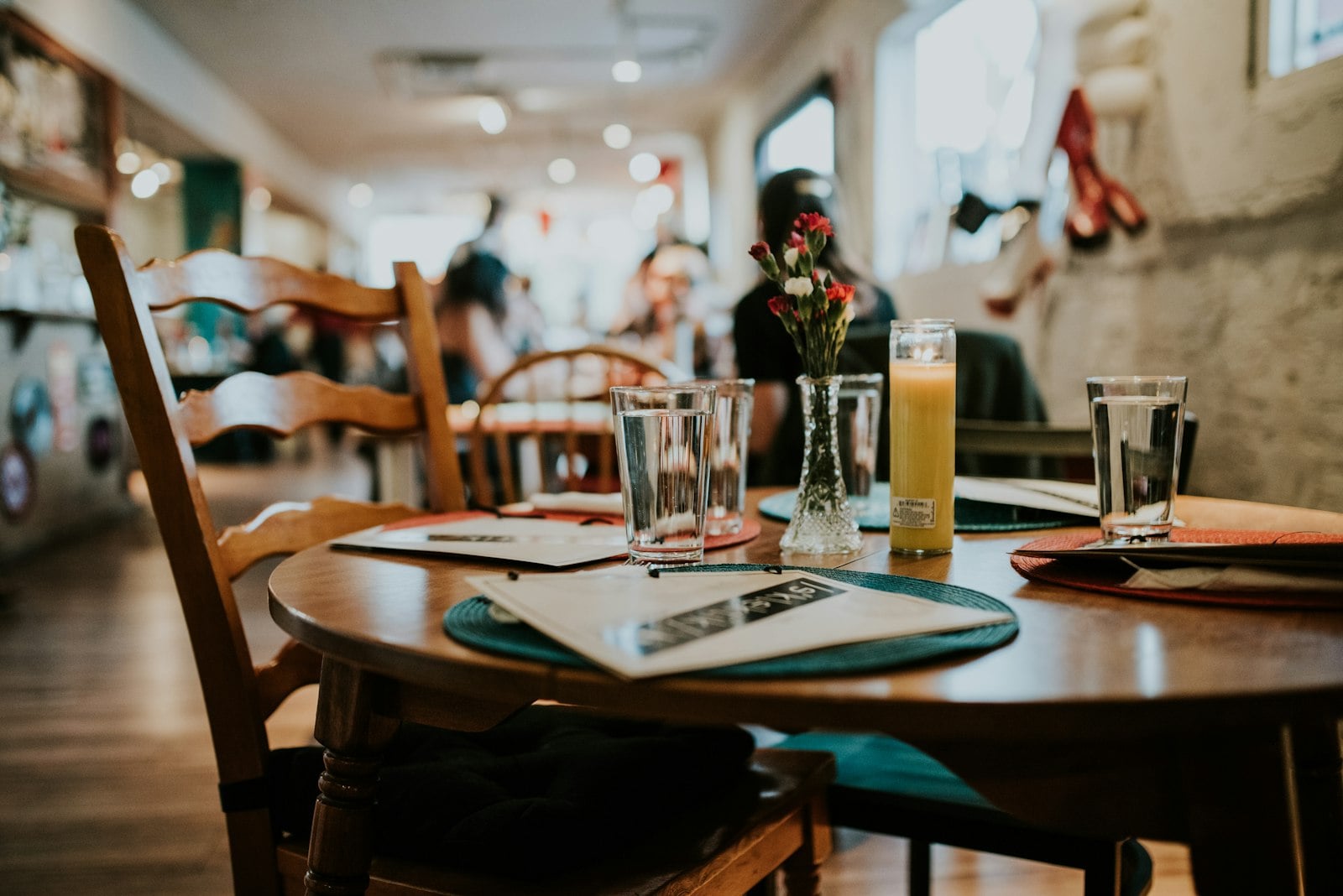
Everything Included in a Restaurant Engagement
Table & Order Flow Tracking
Table-by-table status kept current from seating through to a cleared and reset table.
Kitchen Display & Ticket Management
Orders sequenced on a kitchen display so nothing gets missed in a paper ticket pile.
Menu & Recipe Costing
Every dish costed against its recipe, keeping menu pricing tied to actual ingredient cost.
Inventory & Wastage Tracking
Stock movement and wastage tracked against recipes instead of a manual count at month end.
Billing & POS Integration
Bills generated from order history and connected directly to your existing POS.
Guest Feedback & Loyalty Tracking
Feedback and repeat-visit history tracked per guest instead of scattered across review sites.