

Redesigning Processes to Cut Wasted Time
We review how a business process actually runs today, find the bottlenecks and redundant steps, and redesign it, with or without new automation, to cut cycle time and manual effort.
50+ ERP and software projects. Zero failed projects since 2021.
Processes drift and pick up extra steps over time
A process that made sense a few years ago often keeps an approval step, a handoff, or a manual check that no longer earns its place. Nobody removes a step just because it might matter to someone.
Mapping the process as it really runs, not as documented
We walk through the process with the people doing the work, and map where requests wait, get handed off between teams, or get redone because of an earlier mistake.
- Mapped from how work actually happens.
- Bottlenecks and handoffs made visible.
- Includes the informal steps nobody wrote down.

The process is fixed first, then automated where it helps
We remove redundant steps and simplify handoffs before adding any automation, so automation is not used to paper over a process that still has unnecessary steps in it.
- Redundant approvals and handoffs removed first.
- Automation added only where it clearly helps.
- Can connect to your existing ERP or CRM.
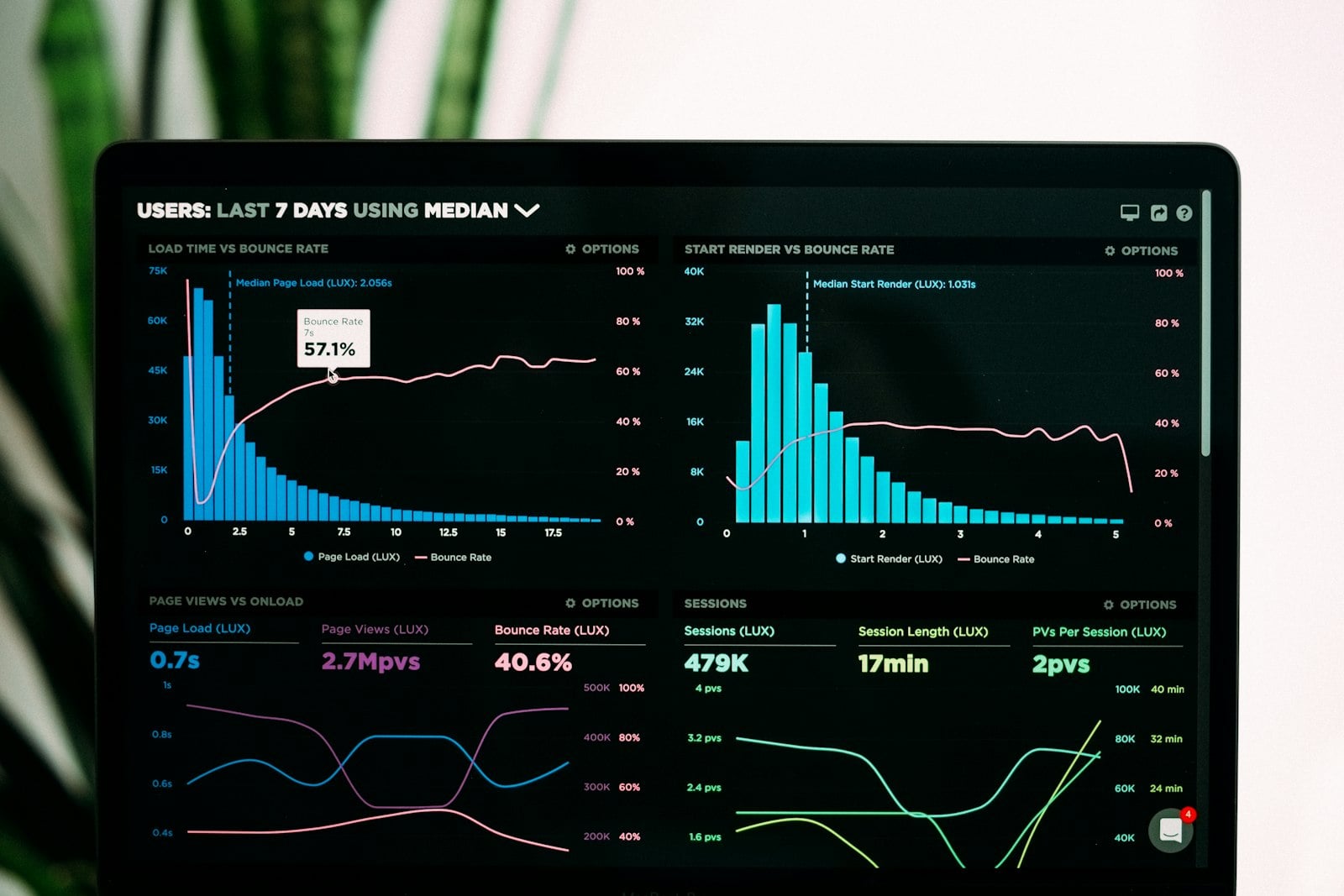
What a typical redesign can look like
Illustrative example based on a typical back-office process. Your own numbers depend on the process reviewed.
From mapping the process to measuring the redesign
Everything needed to redesign a process properly
Process mapping
Every step of the current process mapped as it actually runs.
Bottleneck analysis
Bottlenecks, handoffs, and rework identified and prioritized.
Redesign workshops
Working sessions with the teams involved to redesign the process.
Targeted automation
Automation added only to the steps that clearly benefit from it.
Connects to your ERP or CRM
Where automation is added, it can connect to systems you already run.
Before and after measurement
The same measures tracked before and after, so results are visible.
What a process redesign changes
Why teams redesign their processes with TCB Infotech
Business Process Optimization, answered
What does business process optimization actually involve?
Do we need new software or automation to optimize a process?
How do you find where a process is slow?
Which processes are usually worth optimizing first?
How do you measure whether the redesign actually worked?
Does this connect to our existing ERP or CRM?
Find Out Where Your Process Loses Time
Tell us which process feels slow or overloaded with steps, and we will map it with you before recommending anything.
Book a Free Consultation →No commitment. See the map of your process before you decide.
How Business Process Optimization Works
From mapping the current process to measuring the redesign. Here is how we find bottlenecks and decide what is worth automating.
Mapping, redesign, and automation, in that order
The process as it actually runs, not as documented
We walk through each step with the people doing the work, and map where requests wait, get handed off between teams, or get redone because of an earlier mistake.
- Mapped with the people who do the work.
- Bottlenecks and handoffs made visible.
- Includes informal steps nobody wrote down.

Redundant steps removed before anything is automated
We work with the teams involved to simplify handoffs and remove steps that no longer earn their place, before deciding what, if anything, should be automated.
- Working sessions with the teams involved.
- Redundant approvals and handoffs removed first.
- Automation considered only after the redesign.

Automation only where it clearly helps, then measured
Where automation is added, it can connect to your existing ERP or CRM. Cycle time, manual steps, and handoffs are tracked before and after, so the improvement is visible.
- Automation added only to steps that benefit from it.
- Can connect to your existing ERP or CRM.
- Same measures tracked before and after.
Everything included in the engagement
Process mapping
Every step of the current process mapped as it actually runs.
Bottleneck analysis
Bottlenecks, handoffs, and rework identified and prioritized.
Redesign workshops
Working sessions with the teams involved in the process.
Targeted automation
Automation added only where it clearly benefits the process.
Connects to your ERP or CRM
New automation can connect to systems you already run.
Before and after measurement
The same measures tracked before and after the redesign.