

Inventory Management Software That Knows Your Stock Levels
Track stock per SKU in real time, catch reorder points before they become stockouts, and connect inventory data to the ERP you already run.
50+ ERP and software projects. Zero failed projects since 2021.
Inventory management software should catch a stockout before it happens
Spreadsheets and disconnected systems tell you what stock looked like last week. Inventory management software built around your SKUs tells you what it looks like right now.
Manual counts that are already out of date by the time you check them
Stock recorded in one system, sold or consumed in another, and reconciled by hand once a week leaves a gap between what the sheet says and what is actually on the shelf. That gap is where stockouts and overstock both happen.
- Stock levels tied to actual movements, not a weekly count.
- Reorder points flagged automatically, not remembered manually.
- One record per SKU across every warehouse.

Stock data that talks to your ERP and accounting system
When inventory sits in its own tool, someone has to copy numbers into the ERP or accounting system by hand. Custom inventory management software keeps stock movements, purchase orders and financial records on the same data.
- Stock movements post directly to your ERP.
- Purchase orders tied to reorder points automatically.
- No separate spreadsheet to keep in sync.

Every SKU, its level and its status, in one view
Illustrative example. Your actual SKUs, warehouses and reorder thresholds are configured to match your inventory.
From a SKU walkthrough to a system running against live stock
Everything needed to keep stock levels accurate
Per-SKU stock tracking
Every SKU tracked in real time as stock moves in, out or between warehouses.
Automatic reorder alerts
Items flagged automatically as they approach the reorder point you set.
Multi-warehouse support
Stock tracked separately by location and rolled up into one shared view.
ERP integration
Stock movements post directly into your existing ERP or accounting system.
Reporting and dashboards
Live dashboards built around the SKUs, locations and thresholds that matter to your team.
Role-based access
Warehouse staff, buyers and management each see the view relevant to their role.
What custom inventory management software changes for your team
Why teams build inventory systems with TCB Infotech
Inventory Management Software, answered
What does custom inventory management software from TCB Infotech include?
How is this different from a spreadsheet or off-the-shelf inventory app?
Can it integrate with our existing ERP or accounting software?
Does it support multiple warehouses or locations?
How are reorder points and low stock alerts handled?
What happens after the software goes live?
Build Inventory Management Software Around Your SKUs
Spreadsheets and disconnected tools tell you what stock looked like last week. A system built around your actual SKUs, warehouses and reorder rules tells you what it looks like right now, before a stockout happens. Book a free consultation and walk us through how you track stock today.
Book a Free Consultation →No commitment. We start with a process walkthrough, not a sales pitch.
How We Build Inventory Management Software
From mapping your SKUs to a system running against live stock. Here is our process for building inventory management software that fits how you actually track stock.
Mapping, data design and a piloted build, in that order
Documenting every SKU, warehouse and reorder rule
We review how stock is tracked today, including every SKU pattern, warehouse and the reorder thresholds your team already uses, even if they only live in someone's head.
- Every SKU pattern and unit of measure reviewed.
- Current warehouses and locations documented.
- Existing reorder rules captured as they stand.
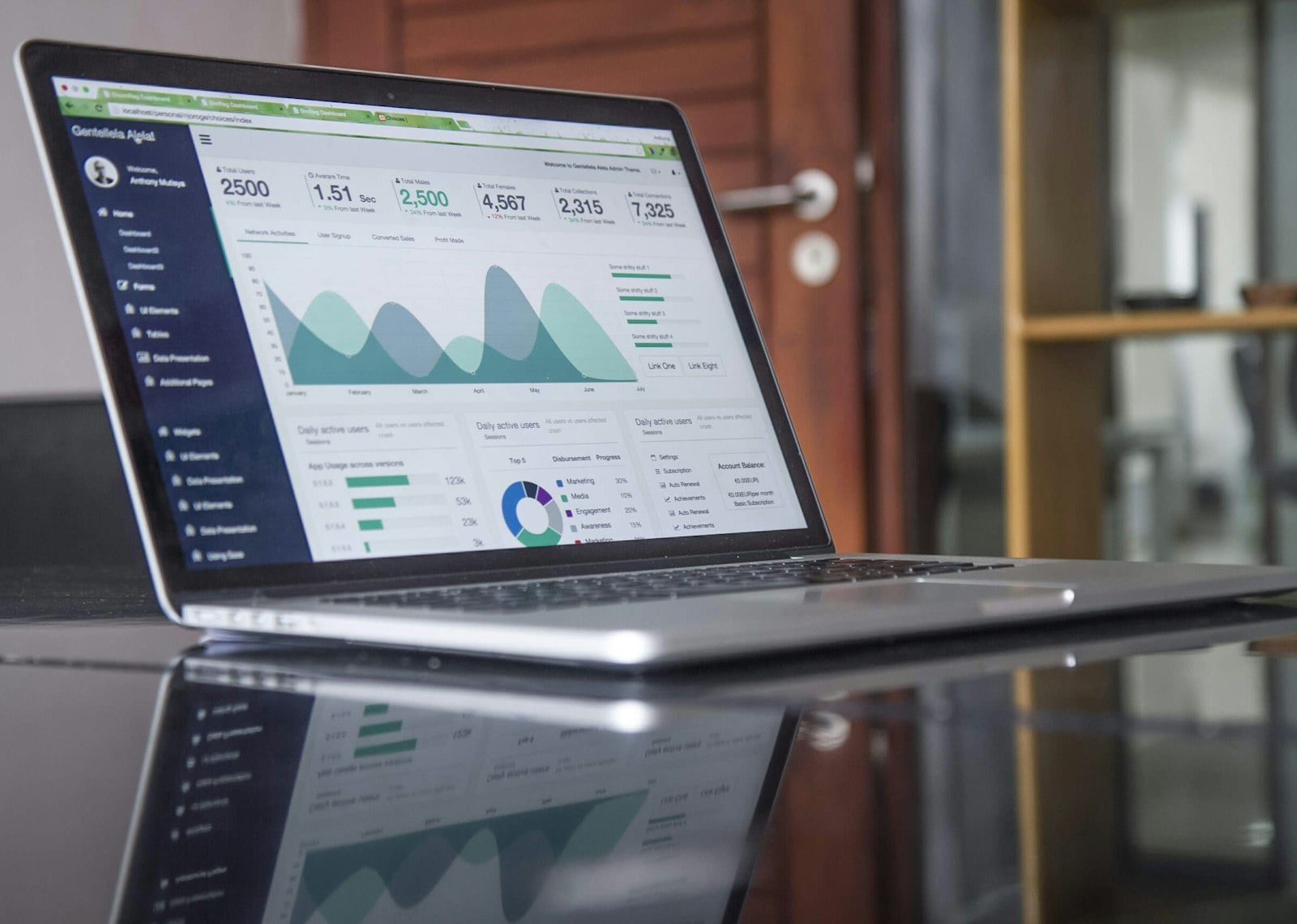
SKUs, locations and thresholds mapped to your process
The mapped workflow becomes a data model, with SKUs, locations, thresholds and integration points defined before any code is written.
- SKU and location structure matches your reality.
- ERP and accounting integration points scoped early.
- Reorder logic agreed on before it is built.

A working system tested against real stock before full rollout
The system is built, connected to your existing ERP or accounting tools, and piloted against real stock in one warehouse so issues surface before wider rollout.
- Built against your real SKU data, not a demo set.
- Piloted in one warehouse before scaling further.
- Support continues after go-live.

Everything included in the build
Per-SKU stock tracking
Every SKU tracked in real time as stock moves.
Automatic reorder alerts
Items flagged as they approach the reorder point.
Multi-warehouse support
Stock tracked by location and rolled up centrally.
ERP integration
Stock movements post into your existing ERP system.
Reporting and dashboards
Live dashboards built around your SKUs and locations.
Role-based access
Warehouse staff, buyers and management see their own view.