

Most of a Picker's Shift Is Walking, Not Picking
Travel is commonly more than half of pick time, and in a badly laid out building it is well past that. Everything a warehouse module does, the location scheme, the putaway rule, the pick strategy, the scanner, exists to shorten that walk and to stop the walk ending at the wrong bin. This page is about the physical operation inside the four walls: where things are put, how they are found, picked, packed and sent out, and how the people doing it are directed.
50+ ERP and software projects. Zero failed projects since 2021.
The cost centre is the walk, and the error is the transcription
Two things dominate warehouse cost and warehouse pain. Pickers spend most of their shift travelling, and people writing numbers on paper get numbers wrong. A warehouse module attacks both directly. It does not attack a bad building layout, and it is worth being clear about that up front.
Cut the walk before you buy anything else
Time a picker for an hour with a stopwatch and split it into travel, search and handling. In most warehouses travel is more than half, search is uncomfortably large, and the actual act of picking the item is the smallest slice. That is the whole case for location structure and directed work. A logical address scheme lets the system sort a pick list into aisle order so the route is a single sweep rather than a series of returns. Fast movers sitting near despatch cut the return leg on every order they appear in. Batch picking removes whole trips. None of this is clever, it is arithmetic, and it is where the money is.
- Travel is commonly over half of pick time, search is next.
- A sortable address scheme turns a pick list into a route.
- Slotting fast movers close to despatch pays on every order.
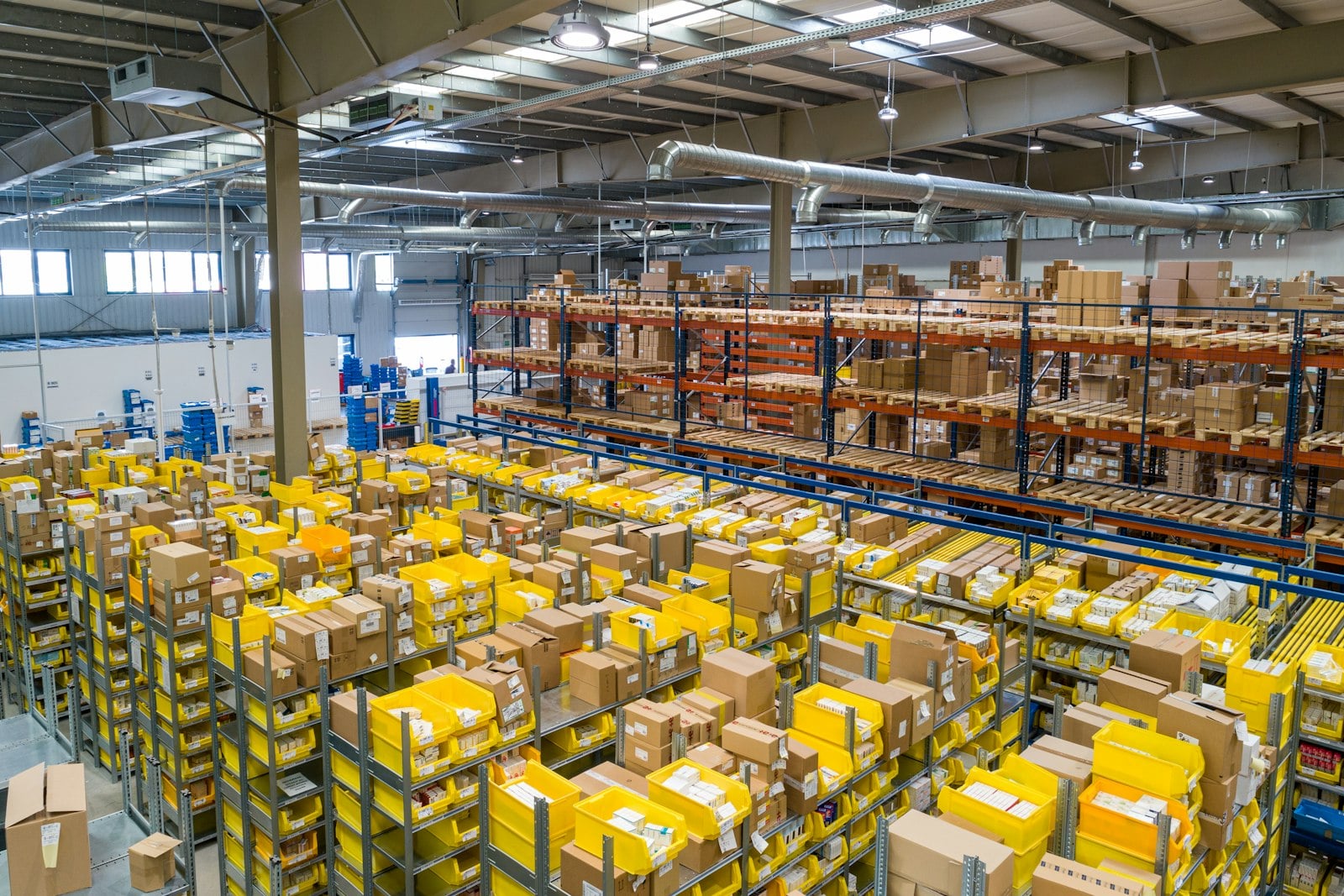
A warehouse running on memory will never have accurate stock
Paper pick lists guarantee transcription error. Someone reads a code, walks, picks something close enough, ticks a line, and hands a sheet to an office that keys it in an hour later. Every one of those steps can be wrong and none of them is checked. Scanning at the point of action closes the gap: the scanner confirms this bin, this item, this quantity, at the moment it happens, and it refuses the wrong one. Paper picking typically runs in the mid nines for line accuracy. Scanning takes it to the high nines and, more importantly, holds it there without a supervisor standing behind anyone. If you only fund one change, fund this one.
- Scanning verifies bin, item and quantity as the move happens.
- Accuracy goes from the mid nines to the high nines, and stays.
- No ERP can be accurate if the floor reports from memory.

Six areas inside the four walls
Each one is a decision you will make whether or not you make it deliberately. The warehouses that run well are the ones where somebody sat down and chose, rather than letting habit decide where stock goes and how it is found.
Goods in to goods out, five steps
The same cycle runs whether you ship forty lines a day or four thousand. The difference is how much of it the system directs and how much sits in somebody's head.
What we set up when we configure this module
Location master and labelling
Zone structure, a four part address scheme that sorts into pick sequence, bin capacities, and a printed label plan for aisles, racks and faces.
Putaway and replenishment rules
Velocity, weight and height rules per item group, mixed or dedicated bin policy per zone, and minimum levels that trigger pick face replenishment.
Pick strategy configuration
Discrete, batch, zone or wave set up per order type, with release rules, pick sequencing and a consolidation step where zone picking needs one.
RF scanning screens
Receive, putaway, replenish, pick, pack and despatch on handheld devices, each step confirming bin, item and quantity, with task interleaving turned on.
Despatch and carrier setup
Pack verification, cartonisation, packing notes, carrier labels and consignment manifests, plus proof of delivery returning against the sales order.
Labour and throughput reporting
Lines picked per hour by person and by zone, dock to stock time, replenishment lateness and pick accuracy, reported so the measure is fair to every zone.
What the floor looks like six months in
What this connects to
The warehouse sits between what the business owns, what the factory needs and what the analytics layer can improve. These three are the nearest neighbours.
Why teams hand us the warehouse setup
Warehouse management questions
What is the difference between inventory management and warehouse management?
Do we actually need barcode scanning?
Which picking strategy suits our operation?
How big does an operation need to be before directed warehouse management pays?
Can it handle multiple warehouses?
How does it connect to carriers?
Scope Your Warehouse Setup
Book a free consultation. We will walk your building, time a pick, look at your order profile and tell you plainly which of zones, directed putaway, pick strategy and scanning will pay back, and which of them you can safely leave alone for now.
Book a Free Consultation →One uncomfortable truth before you book: warehouse software directs work, it does not do the work. If the physical layout is wrong, the software will direct people around a badly laid out warehouse more efficiently than before, and the ceiling on that is low. Fix the building first where we can, then automate it.
What the Warehouse Module Actually Does
From the dock door to the signed manifest. How locations are structured, how putaway is directed, which pick strategy fits which order profile, what the scanner enforces at every step, and how the work gets handed out and measured.
Structure, direction and verification
Every bin has an address, and the system picks it
Zones first: bulk storage, pick face, despatch staging, cross-dock and quarantine. Then a four part address of aisle, rack, level and position, designed so that sorting the code sorts the route. Putaway is directed from rules rather than habit. Fast movers go near despatch, heavy goods go to ground level, tall goods go to the bays that take them, and capacity is checked before the bin is offered. You choose mixed or dedicated bins per zone: dedicated is simpler to train and easier to count, mixed gives you more density in a building that is running out of space. It is a real trade-off and there is no universally right answer.
- Zones for bulk, pick face, despatch, cross-dock and quarantine.
- Rules on velocity, weight, height and remaining capacity.
- Mixed bins for density, dedicated bins for simplicity.
The strategy follows the order profile, not the fashion
Discrete picking, one order at a time, is the easiest to train and fine at low volume or on bulky multi-line orders. Batch picking collects one item for many orders in a single trip and is the biggest available win when most orders are one or two lines. Zone picking splits the building and consolidates at the end, which suits a large floor but adds a consolidation step you have to staff. Wave picking releases work in blocks tied to carrier cut-offs. Underneath all of them, pick face bins carry minimum levels that raise replenishment tasks in the background, so bulk pallets come down before a picker finds an empty face.
- Different strategies configured per order type, running side by side.
- Pick lists sequenced into aisle order so the route is one sweep.
- Minimum levels trigger replenishment before a bin runs dry.
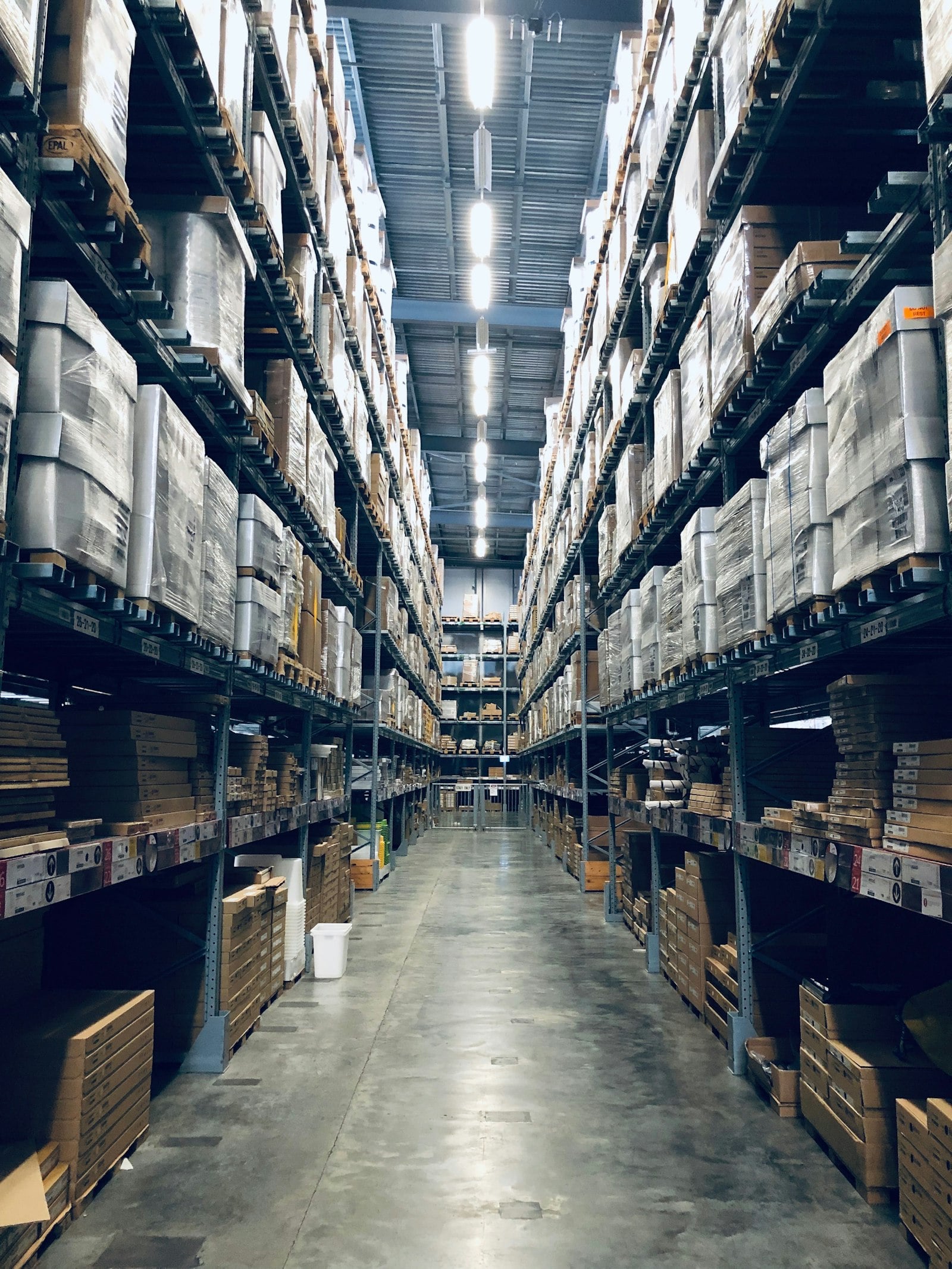
Verified at the bench, manifested at the door
Pack verification scans each item against the order line before the carton is sealed, which is the last chance to catch a mispick and by far the cheapest one. Cartonisation suggests the box from dimensions and weight, the packing note prints, the carrier returns a tracking number and a compliant label, and the day's consignments close into a manifest the driver signs. Proof of delivery comes back against the sales order. On the labour side, task interleaving means a picker heading back up the building carries a putaway instead of walking empty, and lines picked per hour is reported by person and by zone so a slow zone is not mistaken for a slow picker.
- Pack verification and cartonisation at the bench.
- Carrier labels, consignment manifests and proof of delivery.
- Interleaved tasks and lines per hour by person and by zone.

Everything the module setup delivers
Zone and bin master
A four part address scheme that sorts into pick sequence, bin capacities loaded, and a rack labelling plan you can print and apply.
Directed putaway rules
Velocity, weight, height and capacity rules per item group, with a mixed or dedicated bin policy agreed zone by zone.
Pick strategies per order type
Discrete, batch, zone or wave configured against your real order profile, with release rules and a consolidation step where needed.
RF scanning flows
Handheld screens for receive, putaway, replenish, pick, pack and despatch, each confirming bin, item and quantity as the move happens.
Despatch pack
Pack verification, cartonisation, packing notes, carrier labels, consignment manifests and proof of delivery back on the sales order.
Floor reporting
Lines picked per hour by person and by zone, dock to stock time, replenishment lateness and pick accuracy, on one daily view.