

The Moment Something Happens Elsewhere, Your ERP Knows
Polling an external system for changes wastes calls and still misses things between checks. A webhook pushes the event to you the instant it happens. We build the receiving side with AI interpreting each payload and triggering the right action in your ERP, and capturing anything it cannot confidently interpret instead of letting it disappear silently.
50+ ERP and software projects. Zero failed projects since 2021.
A webhook that fails silently is worse than no webhook at all
Most webhook integrations work fine until an unexpected event type arrives, and then quietly stop mattering.
Know the moment something changes, not five minutes later
Polling an API every few minutes for a change means every change is stale by definition, and it wastes calls checking for updates that have not happened. A webhook pushes the event the instant it occurs, so your ERP reacts in real time instead of on a schedule.
- Events processed the moment they are received.
- No wasted polling calls checking for nothing.
- Your ERP reacts in real time, not on a delay.

An unrecognised event should raise a hand, not disappear
External systems occasionally send a new event type or a payload shape you did not plan for, and a naive receiver just ignores it. This integration is built to capture and flag anything it cannot confidently interpret, so you find out the same day, not three months later.
- Unrecognised events captured, not silently discarded.
- Flagged for review with the raw payload attached.
- New event types added to the interpretation logic over time.

What a live event feed looks like
Each event, what it meant, and the action taken in your ERP, or the flag raised.
From an external event to an ERP action
What a webhook integration typically covers
Any external system that can notify you of an event as it happens.
Payment events
Payment success, failure and refund events matched to orders and posted to your ERP.
Shipping and logistics events
Dispatch, delay and delivery events updating order status automatically.
Inventory and supplier events
Stock updates and supplier notifications synced into your ERP in real time.
Unrecognised event capture
Any event type not yet interpreted, captured and flagged rather than dropped.
Deduplication
Repeated deliveries of the same event checked and discarded to avoid double actions.
Event logging
A full history of received events and the actions they triggered, for audit.
What a reliable webhook receiver changes
Why teams choose TCB Infotech for webhook integration
Webhook AI integration questions
What is webhook AI integration?
How is a webhook different from a REST API integration?
What happens if a webhook payload is not recognised?
Can it handle events from multiple sources at once?
How do you make sure an event is not processed twice?
How long does a first integration take?
Real-time only helps if nothing gets lost along the way
A webhook receiver's entire value is in the events it catches, and its entire risk is in the ones it silently misses. Most failures in production come from the second half of that, not the first.
Building the receiver to capture and flag anything it cannot confidently interpret, and to guard against duplicate deliveries, is what turns real-time notifications into something your ERP can actually rely on.
Catch Every Event, Not Just the Expected Ones
Book a free consultation. Tell us which external system sends events you need to act on, and we will scope the receiver.
Book a Free Consultation →No commitment. A practical look at your event flow.
What Is Inside the Webhook AI Integration
A receiver has to be secure, correct and honest about what it cannot handle. Here is how events are verified, interpreted and tracked from arrival to action.
From an incoming call to a verified, actioned event
Only genuine events from the expected source are trusted
Every incoming webhook is verified against the sending system's own signing method, so a call claiming to be from your payment provider or logistics partner is confirmed as genuine before its payload is even read, let alone acted on.
- Signature or token verification on every incoming call.
- Unverified calls rejected before processing begins.
- Verification method matched to each source's own standard.
Understanding what an event actually means
Once verified, the payload is interpreted to determine what type of event it is and what it implies for your ERP, even when the payload structure varies slightly between similar event types. Anything the interpretation is not confident about is flagged rather than acted on.
- Event type and intent interpreted from the payload.
- Tolerant of minor structural variation between events.
- Low-confidence interpretations flagged, not auto-actioned.
Reliable delivery without double-processing
Webhook providers often retry a delivery if they do not get a fast enough acknowledgement, which can otherwise result in the same event being processed twice. Each event is checked against a processed-event record before any action is taken, so retries are safe by design.
- Every event checked against processed history first.
- Safe handling of provider-side retries and re-deliveries.
- Fast acknowledgement returned to avoid unnecessary retries.
Everything the webhook integration includes
Flagged event queue
Unrecognised or low-confidence events gathered for review with the raw payload.
Full event log
Every received event and the action it triggered, kept for audit and debugging.
Failure alerts
Notification when a source stops sending expected events or errors spike.
Multi-source receivers
Separate, correctly configured receivers for each external event source.
Event volume dashboard
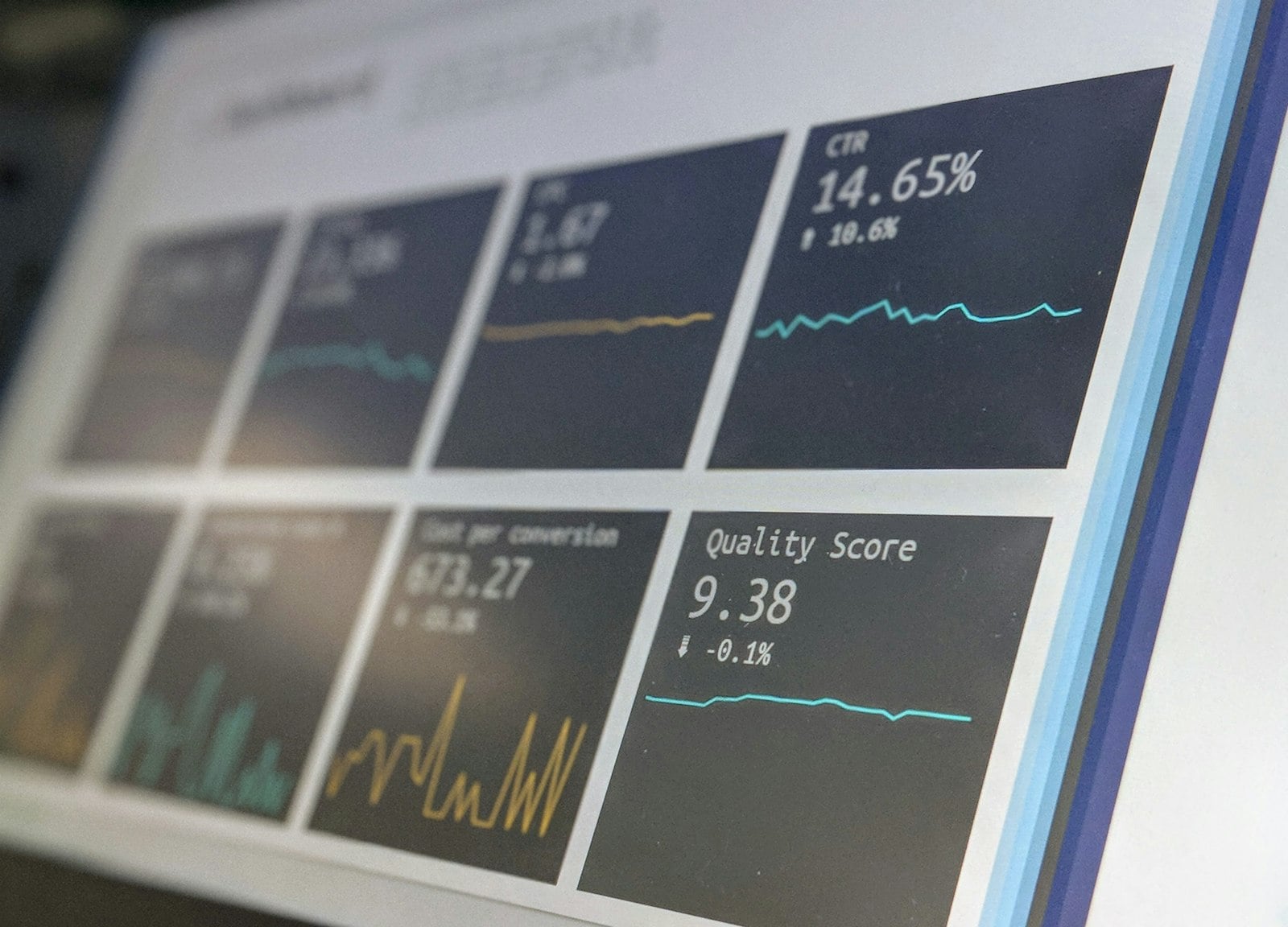
A live view of incoming event volume, success rate and flagged items.
Model-agnostic build
Built so the underlying interpretation approach can be upgraded without a rebuild.