

AI That Catches the Defects Tired Eyes Miss, at Line Speed
A camera watches each part as it runs, checks it against the standard, and flags scratches, missing components or wrong dimensions. It sorts pass from fail and logs every result, so the check is the same on the first part of the shift and the last.
50+ ERP and software projects. Zero failed projects since 2021.
Manual visual checks drift as the shift goes on
Eyes tire, attention slips, and a fast line means only a sample gets a close look. The defects that slip through reach the customer. AI keeps the check steady.
The same check on every part, all shift long
A person can inspect closely for a while, then the pace and fatigue take over and the checks get lighter. The AI looks at every part the same way, at the speed the line runs, whether it is the first part of the morning or the last of a night shift.
- Every part checked, not a sample.
- No drift as the shift wears on.
- The standard applied the same way each time.
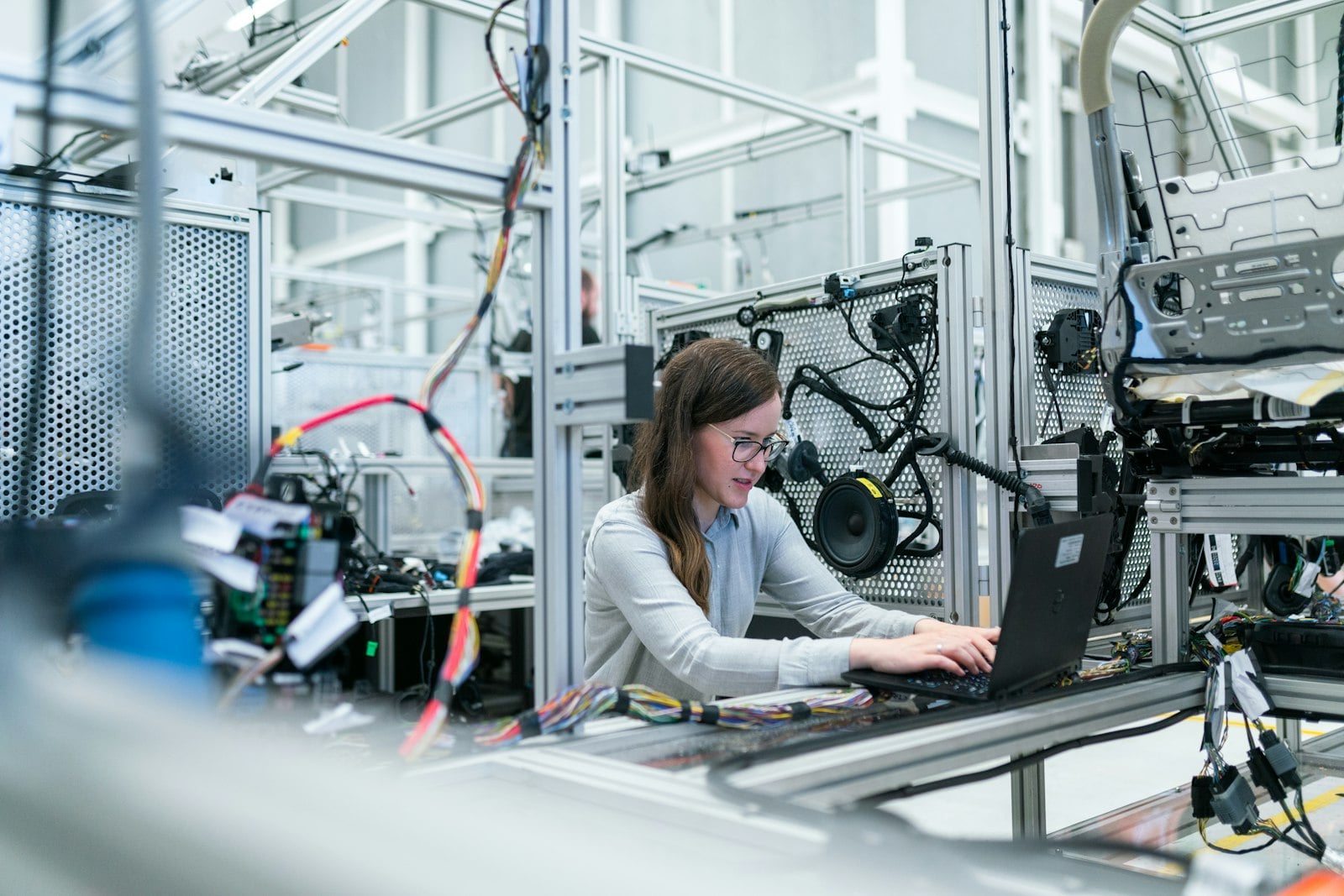
Every result logged, so you can prove quality
When a customer questions a batch, you need more than a memory. Each inspection is logged with the image, the verdict and the reason, and written to your ERP or quality system. You can trace by batch, shift, line or product, and show an auditor exactly what was checked.
- Image, verdict and reason saved per part.
- Traceable by batch, shift, line or product.
- A record you can show a customer or auditor.

One part, one verdict, one clear reason
For every part, the AI returns a pass or fail and the reason behind it, in a form the operator and your quality system both understand.
Illustrative example. The checks and tolerances are set to your product and your standard.
From camera to logged result in one pass
The defects that reach the customer
We train the AI on the defects that matter to your product, so it catches the ones your customers would notice.
Surface defects and scratches
Marks, scratches, dents, stains and finish problems on the surface of the part.
Missing or wrong components
A clip, screw, seal or label that is missing, in the wrong place, or the wrong part.
Wrong dimensions
Parts that fall outside tolerance on size, shape or fit against your standard.
Misprints and label errors
Wrong, smudged, missing or unreadable print, labels, codes and markings.
Assembly mistakes
Parts put together in the wrong order, wrong orientation, or not fully seated.
Contamination and foreign objects
Debris, spots or anything present that should not be there on a clean part.
What a steady inspection check gives you
Why manufacturers choose TCB Infotech
Quality inspection AI questions
What does quality inspection AI do?
Does it replace our quality team?
Where do the inspection results go?
How accurate is it?
Do we need to change our line to use it?
What kinds of defects can it catch?
See It Run on Your Parts
Book a free consultation. Bring a few good and bad samples, and we will show you what an AI inspection check would catch on your line and how it would log to your systems.
Book a Free Consultation →No commitment. A practical first look at inspection on your product.
What Quality Inspection AI Does on Your Line
A camera checks each part, the AI flags what is wrong, and every result is logged to your systems. Here is what it looks at, how it sorts good from bad, and what you keep as a record.
From a camera image to a logged result
It checks each part against your standard
The AI is trained on your own good and bad samples, so it looks for the defects that matter to your product. It catches scratches, missing components, wrong dimensions and print errors on every part, at the speed the line runs.
- Trained on your parts, not a generic model.
- Every part checked, not a sample.
- Sensitivity tuned to catch what matters.
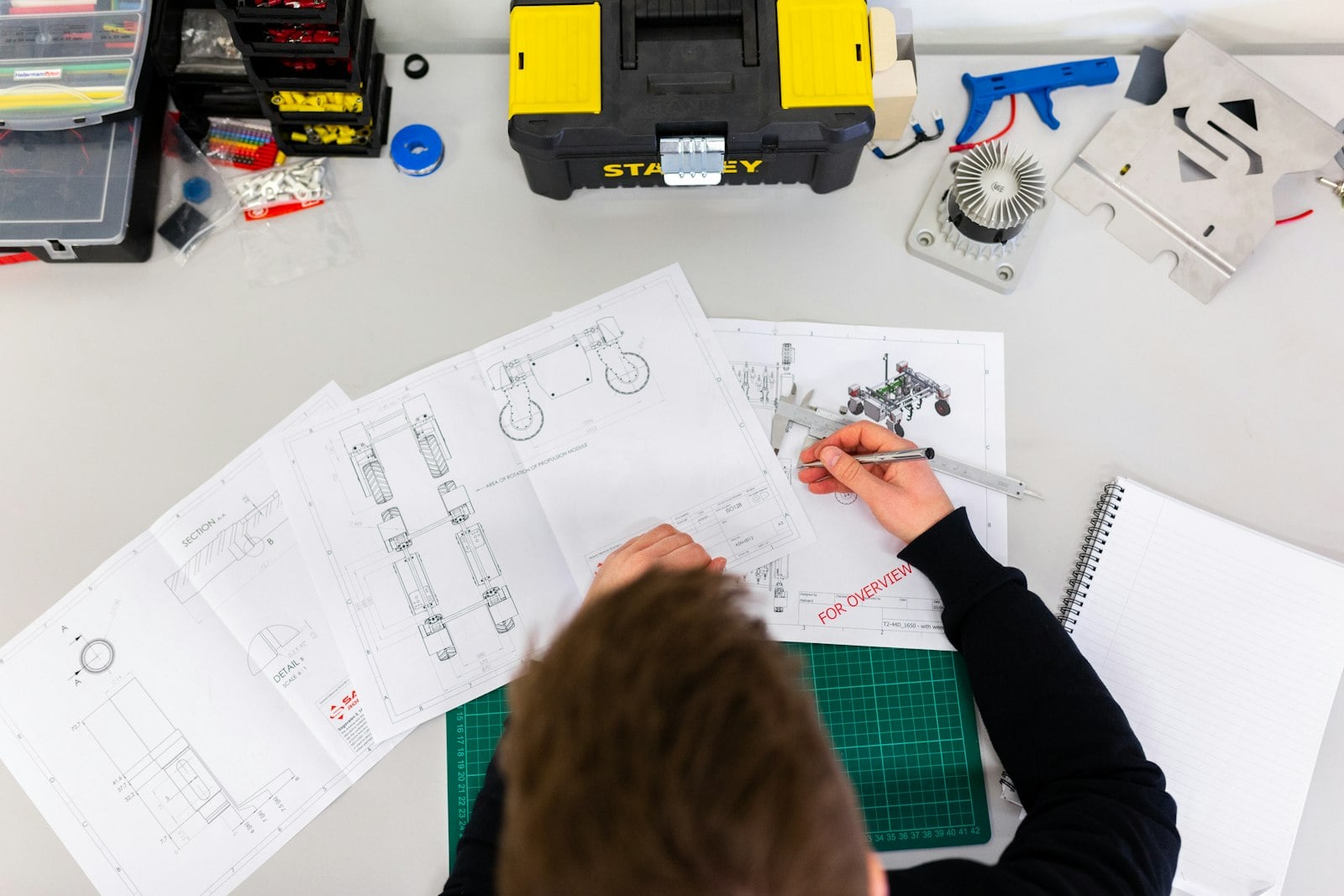
It returns a clear verdict for each part
For every part the AI gives a pass or fail and the reason behind it, so good and bad parts go the right way. The operator sees the verdict on screen, and borderline cases can be routed to a person for the judgement call.
- A pass or fail with the reason attached.
- Good and bad parts sorted the right way.
- Borderline cases sent to a person to decide.

It logs every result to your systems
Each inspection is saved with the image, the verdict and the reason, and written to your ERP or quality system. You can trace by batch, shift, line or product, spot a rising defect early, and show a customer or auditor exactly what was checked.
- Image, verdict and reason saved per part.
- Traceable by batch, shift, line or product.
- A record you can show a customer or auditor.
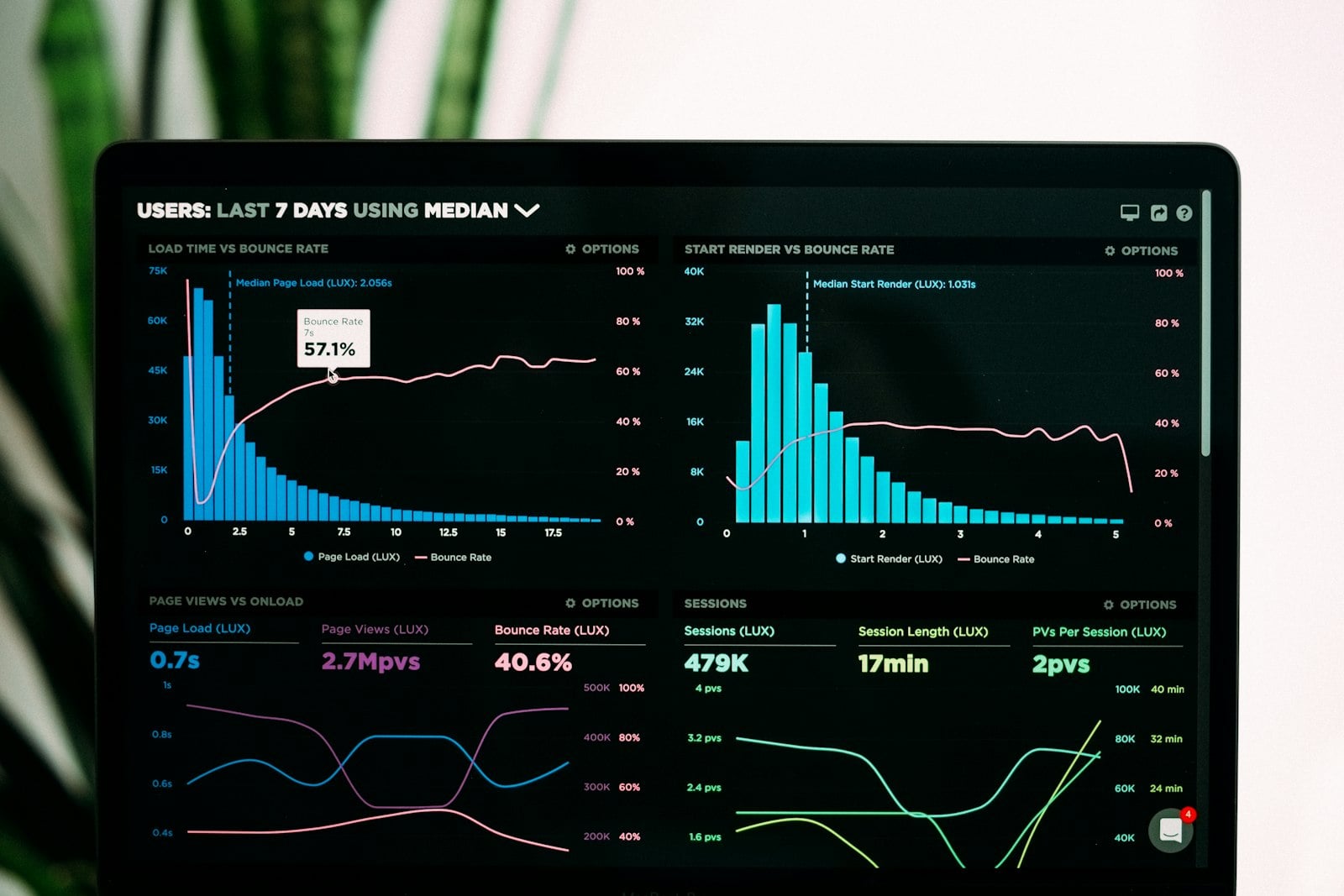
Everything the inspection AI delivers
Camera-based check
Works with a camera over the line or your inspection station, with little change to how you run.
Line-speed inspection
Checks every part at the pace the line runs, so it adds no slowdown to your throughput.
Defect reason on screen
The operator sees why a part failed, not just that it failed, so action is quick and clear.
Trend and drift alerts
Logged results show a rising defect early, so you fix the cause before a batch is lost.
Logs to ERP or quality system
Every result writes to the systems you already use, so the record lives where you work.
Quality team supported
The AI does the tiring looking. Your people keep the judgement calls and root-cause work.