

Your Customers Already Message You on WhatsApp
The problem is that the answer sits in your ERP and the question sits on somebody's phone. We connect the two through the official WhatsApp Business API, so order updates, payment reminders and dealer orders move automatically and every reply lands on the right record.
50+ ERP and software projects. Zero failed projects since 2021.
Email gets ignored, WhatsApp gets read
That holds for payment reminders and dispatch updates too, which is exactly why the channel is worth connecting properly.
Built on the Business API, not a driven phone
There is a whole market of tools that automate WhatsApp by driving the consumer app. They work until the number is banned, usually at the worst moment. We set you up on the official Business API through a solution provider, which is the only route you can build a business process on.
- Official API through a business solution provider.
- A verified sender profile your customers recognise.
- No risk of losing the number you have published everywhere.

Messages that know which order they are about
A notification is only useful if it carries the right order number, the right amount and the right delivery date, and if the reply comes back attached to that same record. Everything we build reads from your ERP and writes the outcome back, so the conversation and the document stay together.
- Triggered by real ERP events, not a separate list.
- Replies logged against the order or invoice.
- Delivery and read status stored for every message.
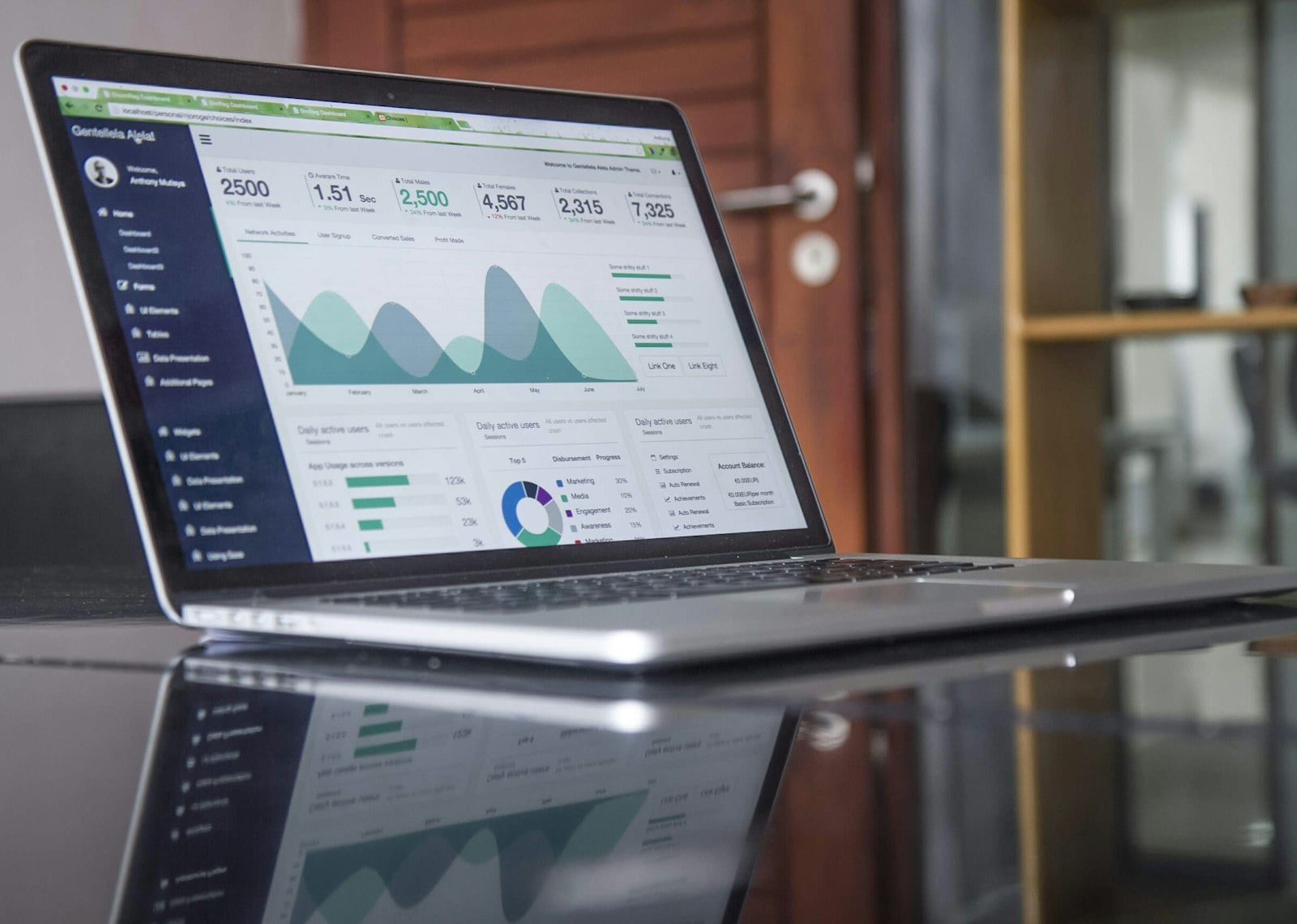
The WhatsApp flows businesses ask for
Each one is driven by an event in your ERP and writes its result back there.
From provider onboarding to live flows
What every build ships with
Provider onboarding
Business API account, number registration, display name and verification handled with you.
Message templates
Written to the category rules, submitted for approval and versioned when they change.
ERP triggers
Flows fired by real document events, so nobody maintains a separate contact list.
Inbound handling
Replies captured, matched to the record and routed to the right person or flow.
Delivery reporting
Sent, delivered, read and failed status per message, with a summary you can review.
Opt-out handling
Stop requests honoured and recorded against the contact, as the platform rules require.
What connecting the channel changes
Why teams choose TCB Infotech for WhatsApp integration
WhatsApp integration questions
Do we need the official WhatsApp Business API?
What does WhatsApp integration actually cost to run?
Can customers reply, or is it only outbound?
Do we have to use approved message templates?
Which ERP systems can this connect to?
How long does it take to build?
Put WhatsApp to Work on Your ERP Data
Book a free consultation. Tell us which messages your team sends by hand every day, and we will show you what it takes to automate them properly.
Book a Free Consultation →No commitment. A practical look at your messaging flows and running cost.
What Is Inside a WhatsApp ERP Integration
Getting onto the official API is the start, not the job. Here is how a flow is designed, approved, connected to your records, and watched once real customers are on the other end.
From provider setup to a flow you can trust with customers
The setup work that decides whether anything gets delivered
We handle the Business API account, number registration, display name and business verification with you. Then we write the message templates to the category rules and submit them, which is where most first attempts get rejected and lose a fortnight.
- Account, number and sender profile set up properly.
- Templates written to the category rules first time.
- Versioned when wording changes, so approvals are tracked.
Driven by documents, not by a separate contact list
Each flow fires on a real ERP event: an order confirmed, a delivery dispatched, an invoice overdue by a set number of days. The message carries the live values from that document, and whatever comes back is written to the same record, so the conversation history sits where the next person will look.
- Triggers on document events, with conditions you set.
- Live values pulled at send time, never a stale export.
- Replies and outcomes logged on the order or invoice.
You can see what was sent and what landed
Every message stores its sent, delivered, read and failed status, so a dispute about whether a reminder went out is settled by looking. Opt-out requests are honoured and recorded against the contact, and quality ratings on the number are watched, because a falling rating quietly reduces how many messages you can send.
- Per-message delivery and read status retained.
- Opt-outs honoured and recorded on the contact.
- Number quality rating monitored, not discovered late.
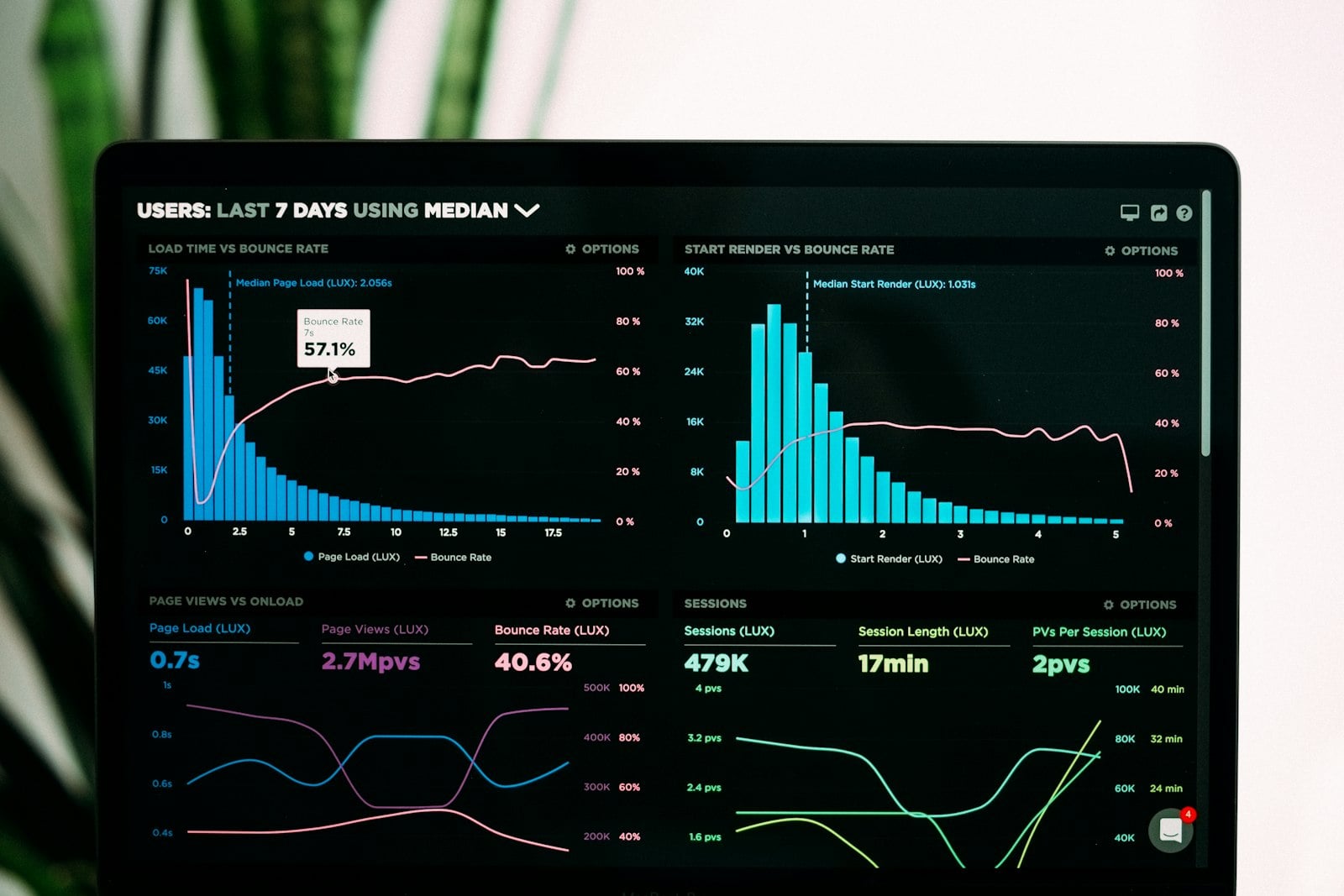
Everything the build delivers
Flow specification
Each flow written down: the trigger, the conditions, the wording and the reply handling.
Approved template set
Submitted, approved and documented, with the variables each one expects.
Inbound routing rules
Who sees what, which keywords start a flow, and how anything unmatched is escalated.
Delivery reporting
A view of sent, delivered, read and failed volumes, so falling delivery is visible early.
Cost model
Expected conversation volume and charges modelled against current rates before launch.
Runbook
What to do when a template is rejected, delivery drops or the provider has an outage.