

One Image, Every Environment
Containerizing your application with Docker: Dockerfiles, image builds, registries and dev/local parity, so it runs the same on a laptop, in staging and in production.
50+ ERP and software projects. Zero failed projects since 2021.
"Works on my machine" is a symptom of environment drift
When a developer's laptop, staging and production each have slightly different dependency versions, bugs show up in one place and not another for no obvious reason.
The exact same image runs locally, in staging and in production
Instead of three separate installation processes drifting apart over time, one image is built once and promoted through each environment unchanged, so what passed staging is exactly what reaches production.
- The same image, promoted, not rebuilt per environment.
- Dependency versions locked into the image itself.
- Fewer environment-specific bugs to chase down.

A new developer runs one command instead of a setup guide
Once the application is containerized, a new team member can get a working local environment by pulling the images rather than following a long list of manual installation steps.
- A working local setup in minutes, not a full day.
- No manual installation guide to keep updated.
- Local behavior matches what runs in production.
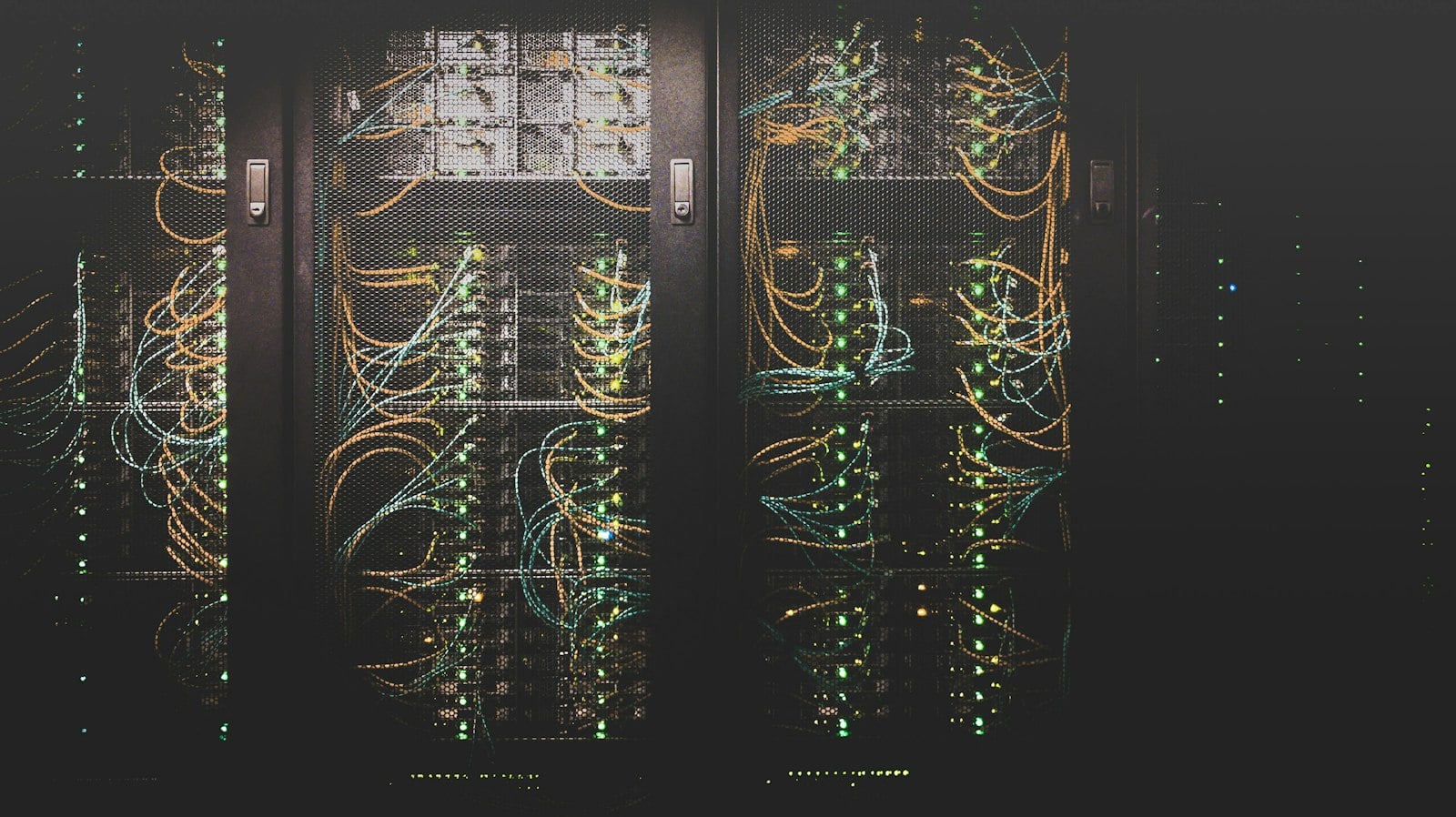
What a set of container images looks like once built
Illustrative example. Your actual images, tags and services depend on your application.
From a bare application to a set of versioned images
Everything covered in a Docker containerization engagement
Dockerfile authoring
A Dockerfile written for each service in your application, not a generic template.
Image builds
Images built, tagged and tested against your current application behavior.
Registry setup
A container registry configured to fit your existing cloud provider or infrastructure.
Dev/local parity
A developer's local environment matches staging and production, not a separate setup.
Configuration separation
Environment-specific settings are separated from the image, so one image serves every environment.
Documentation
Build and run instructions documented for the team to maintain going forward.
What containerizing your application changes day to day
Why teams choose TCB Infotech for Docker containerization
Docker Containerization, answered
What exactly do you set up when you containerize an application?
Does this work for an application that was not built with containers in mind?
What is dev/local parity and why does it matter?
Which registry do you use to store images?
Do containers replace the need for Kubernetes?
How long does containerizing an application usually take?
Start Containerizing Your Application
Stop chasing bugs that only show up on one machine. Book a free consultation and walk us through your current stack.
Book a Free Consultation →No commitment. See the container plan before you decide.
How Docker Containerization Works
From a bare application to a versioned set of images that run the same everywhere. Here is how we plan and build the container setup.
Mapping, building and verifying, in that order
Every dependency your application relies on, made explicit
Before writing a Dockerfile, we identify exactly what each service needs to run, including dependencies that were previously installed by hand and never written down.
- Covers runtime, libraries and system packages.
- Surfaces dependencies that were undocumented before.
- Forms the basis for the Dockerfile itself.

A Dockerfile per service, built and tested against real behavior
Each service gets its own Dockerfile, and the resulting image is built and tested to confirm it behaves the same as the application did before containerizing it.
- One Dockerfile per service, not a shared generic one.
- Images tagged clearly for tracking.
- Tested against the application's current behavior.
A registry to store images and a check that every environment matches
Once images are built, they are pushed to a registry that fits your infrastructure, and we confirm a developer's local setup matches staging and production before calling the work done.
- Registry configured for your cloud provider.
- Local, staging and production checked for parity.
- Documentation handed over for the team to maintain.

Everything included in the containerization work
Dockerfile authoring
A Dockerfile written for each service in your application.
Image builds
Images built, tagged and tested against current behavior.
Registry setup
A registry configured to fit your existing infrastructure.
Dev/local parity
A local setup that matches staging and production.
Configuration separation
One image serves every environment, with settings kept separate.
Documentation
Build and run instructions handed over to your team.