

Keep CI/CD Pipelines Running
Monitoring, incident response and routine maintenance for the pipelines and infrastructure you already have in place, under a defined SLA.
50+ ERP and software projects. Zero failed projects since 2021.
A pipeline that no one is watching eventually fails quietly
Deploys that fail overnight, infrastructure that drifts out of capacity, and configuration that rots without upkeep all turn into outages if no one owns them day to day.
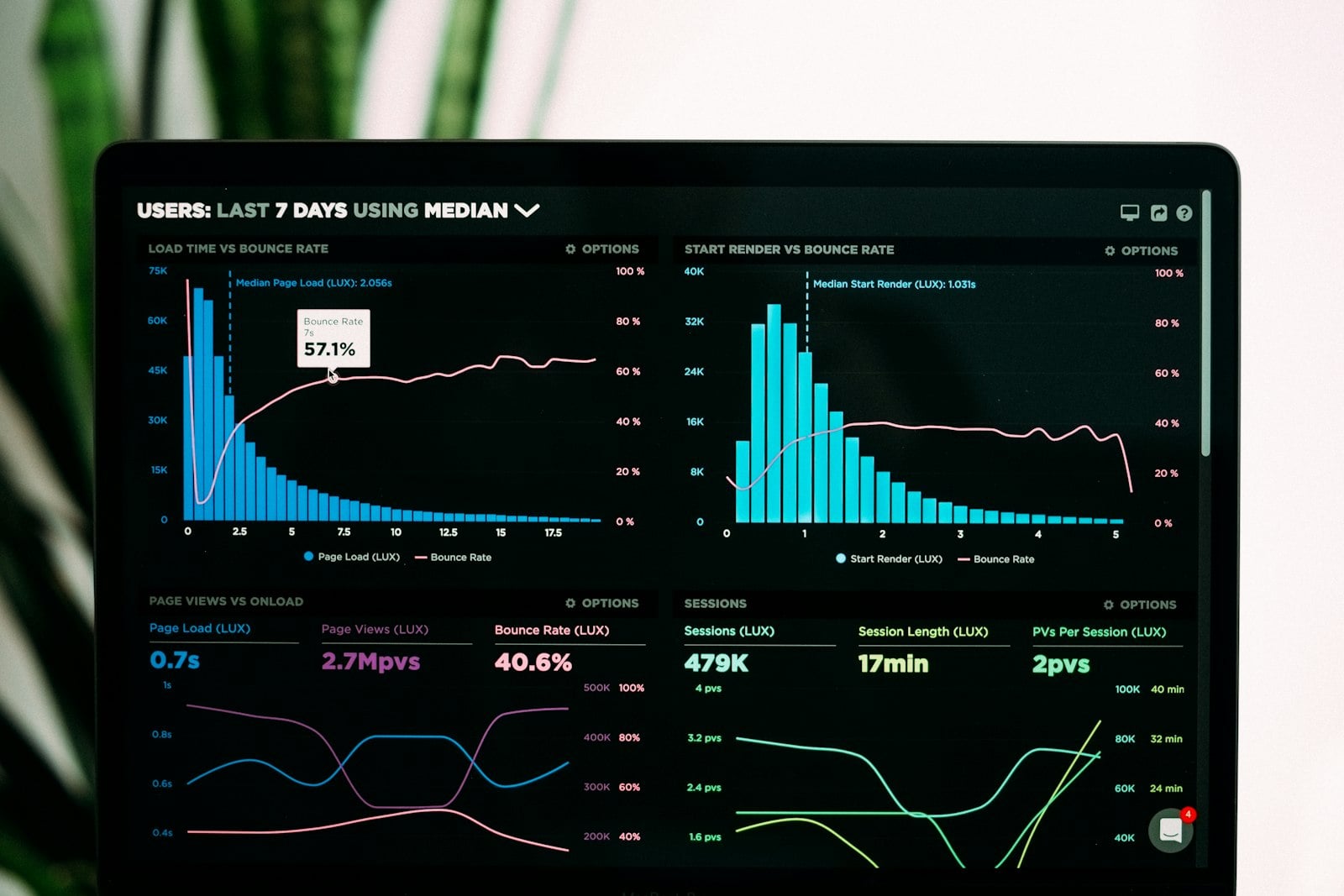
Monitoring with a defined incident response SLA
Pipeline runs and infrastructure health are monitored continuously, with alerts routed to an on-call rotation so an issue gets a response inside the agreed SLA, day or night.
- Monitoring across pipelines and infrastructure.
- Alerts routed to whoever is on call.
- Response time set by a defined SLA.
Regular upkeep between incidents
Pipeline configuration gets cleaned up, DevOps tooling stays updated, and capacity is checked on a schedule, so most issues are caught before they turn into an incident.
- Pipeline configuration reviewed on a cycle.
- DevOps tooling kept on a supported version.
- Capacity checked ahead of a shortage.
Coverage that does not depend on one person
Illustrative example. Your actual rotation depends on team size and the coverage hours you need.
From an existing pipeline to a covered, monitored one
Everything needed to keep pipelines running day to day
Monitoring and alerting
Pipeline runs and infrastructure health tracked continuously.
Incident response
Issues picked up and worked inside a defined SLA.
On-call rotation and escalation
Coverage does not depend on one person being available.
Routine pipeline maintenance
Configuration cleanup and tooling updates on a schedule.
Infrastructure upkeep
Capacity and health checked before a shortage becomes an outage.
Incident reports
Every incident closed with a resolution note.
What DevOps Support changes day to day
Why teams use DevOps Support through TCB Infotech
DevOps Support, answered
What does DevOps Support include?
How fast will an incident get a response?
How is DevOps Support different from DevOps Consulting?
Do you monitor both the pipeline and the infrastructure?
What counts as routine maintenance versus a new project?
Can DevOps Support start after another team built the pipeline?
Put an On-Call Rotation Around Your Pipelines
Stop relying on one person's availability. Book a free consultation and tell us what is already running.
Book a Free Consultation →No commitment. Get an SLA proposal before you decide.
How DevOps Support Works
From an alert to a resolved incident. Here is how monitoring, on-call coverage and routine maintenance fit together.
Monitor, respond and maintain, in that order
Pipeline and infrastructure health tracked continuously
Monitoring covers CI/CD pipeline runs and the underlying infrastructure, with alert thresholds set so an issue is flagged before it becomes an outage.
- Continuous checks across pipelines and infra.
- Alert thresholds set to catch issues early.
- Alerts routed straight to the on-call rotation.
Coverage that does not depend on one person
An on-call rotation with a defined escalation path means an incident gets picked up inside the SLA window, whether or not the primary engineer is reachable.
- A rotation with primary and secondary coverage.
- Escalation path defined in advance.
- Every incident resolved inside the SLA window.
Upkeep that happens before an incident, not after
Pipeline configuration is reviewed, DevOps tooling kept updated, and capacity checked on a schedule, so most issues are caught before they turn into an incident.
- Configuration reviewed on a regular cycle.
- Tooling kept on a supported version.
- Capacity checked ahead of a shortage.
Everything included in the engagement
Monitoring and alerting
Pipeline and infrastructure health tracked continuously.
Incident response
Issues worked inside a defined SLA.
On-call rotation and escalation
Coverage across shifts, not one person.
Routine pipeline maintenance
Configuration cleanup on a schedule.
Infrastructure upkeep
Capacity and health checked regularly.
Incident reports
Every incident closed with a resolution note.