

Manufacturing Software Built Around Your Shop Floor
Track every job from raw material to finished goods in one system that connects production, inventory and quality control, and plugs into the ERP you already run.
50+ ERP and software projects. Zero failed projects since 2021.
Manufacturing software should match how your shop floor actually runs
Generic modules force your production process into their workflow. Custom manufacturing software is built around the one you already have, including its exceptions.
Work in progress that nobody can see until it is late
Jobs move between raw material intake, machining, assembly and quality checks, often tracked on paper, spreadsheets or a system that does not reflect what is actually happening on the floor. Delays surface only after a shipment is missed.
- Live status per job, not a weekly recount.
- Bottleneck stages visible as they happen.
- One record for a job from intake to shipment.

Production, inventory and quality control on the same data
When production tracking, inventory counts and quality records live in separate tools, someone has to reconcile them by hand. Custom manufacturing software keeps them on one shared dataset, updated as work happens.
- Inventory draws down as raw material is consumed.
- Quality holds tied directly to the job record.
- One dashboard for production, stock and quality.

A live view of every stage, from raw material to shipment
Illustrative example. Your actual stage names, counts and thresholds are configured to match your production process.
From a shop floor walkthrough to a system running in production
Everything needed to run production, inventory and quality together
Job and work order tracking
Every job tracked from raw material intake through to finished goods, with status visible at each stage.
Inventory sync
Raw material and component stock levels update automatically as jobs consume them.
Quality control workflows
Quality checks, holds and rework are tracked against the job record, not a separate log.
ERP integration
Production data flows into your existing ERP or accounting system instead of sitting in a separate tool.
Reporting and dashboards
Live dashboards for supervisors and management, built around the stages and metrics that matter to your floor.
Role-based access
Operators, supervisors and management each see the view relevant to their role.
What custom manufacturing software changes on your shop floor
Why manufacturers build with TCB Infotech
Manufacturing Software, answered
What does custom manufacturing software from TCB Infotech include?
How is this different from an out-of-the-box manufacturing module?
Can it integrate with our existing ERP or accounting system?
How long does a manufacturing software project usually take?
Do you support multiple plants or production lines?
What happens after the software goes live?
Build Manufacturing Software Around Your Shop Floor
Generic modules ask you to adapt to their workflow. A system built around your actual production process, from raw material intake to finished goods, keeps work visible and traceable at every stage. Book a free consultation and walk us through how your floor runs today.
Book a Free Consultation →No commitment. We start with a process walkthrough, not a sales pitch.
How We Build Manufacturing Software
From mapping your shop floor to a system running in production. Here is our process for building manufacturing software that fits how you actually work.
Mapping, design and a piloted build, in that order
Documenting how your shop floor actually runs
We walk your production floor and record how jobs really move between stages, including the exceptions and rework loops that a generic module usually ignores.
- Every stage and handoff documented on site.
- Exceptions and rework loops captured, not skipped.
- Current tools and data sources reviewed first.
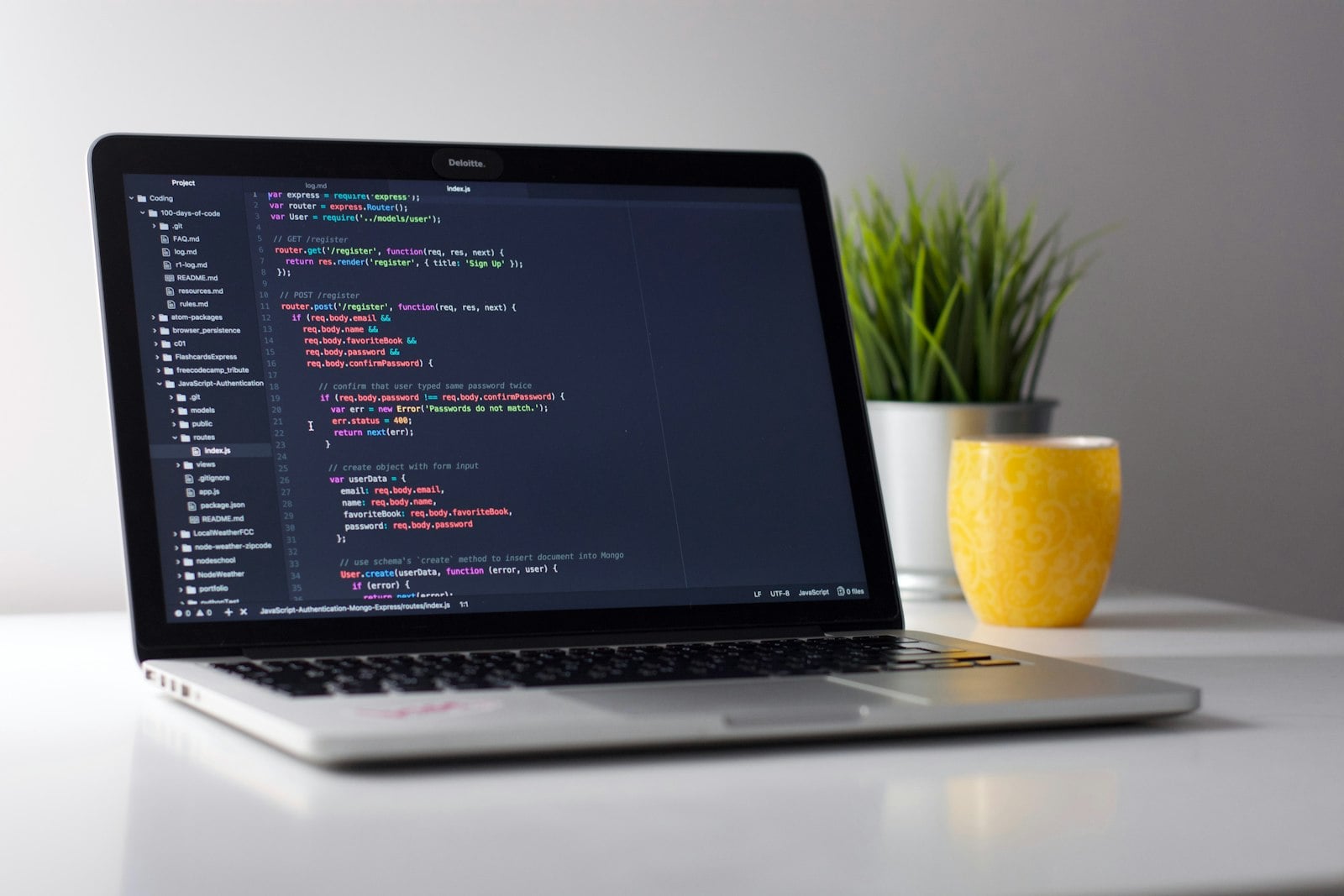
Stages, statuses and handoffs mapped to your process
The mapped process becomes a system design, with stages, statuses and integration points defined before any code is written.
- Stage names and statuses match your terminology.
- ERP and inventory integration points scoped early.
- Reporting and dashboard needs agreed up front.

A working system tested on one line before full rollout
The system is built, connected to your existing ERP and inventory tools, and piloted on a single line or plant so issues surface before wider rollout.
- Built against your real data, not a demo dataset.
- Piloted on one line before scaling further.
- Support continues after go-live.

Everything included in the build
Job and work order tracking
Every job tracked from raw material to finished goods.
Inventory sync
Stock levels update automatically as jobs consume material.
Quality control workflows
Quality checks and holds tracked against the job record.
ERP integration
Production data flows into your existing ERP system.
Reporting and dashboards
Live dashboards built around your production stages.
Role-based access
Operators, supervisors and management see their own view.